
Import Your LinkedIn Profile.
Tailor With AI, Export as PDF
Import your LinkedIn profile into Foundire, tailor it with AI, and export a polished PDF resume.
For Applicants
From LinkedIn Profile to PDF Resume
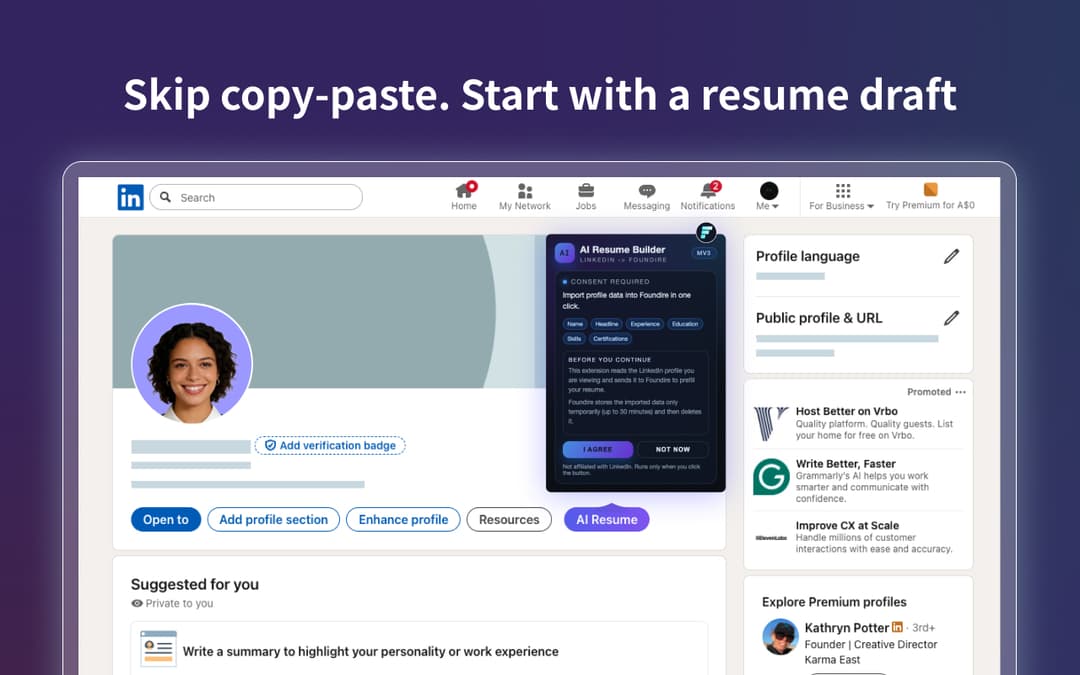
One-click import
Pull your LinkedIn profile into Foundire without copy/paste.
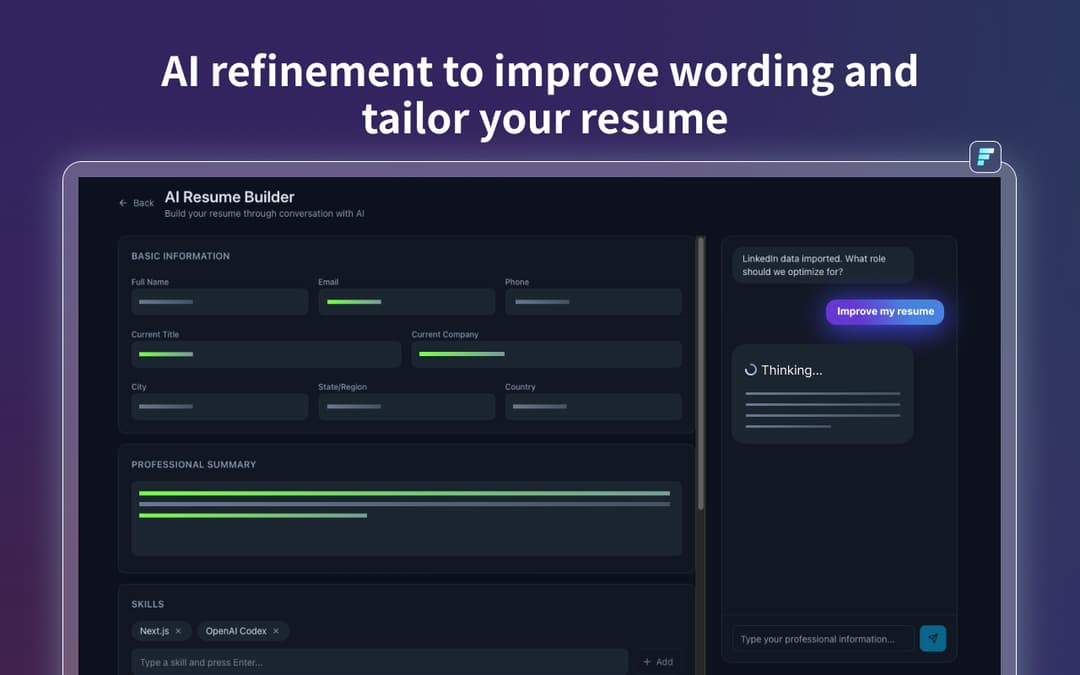
AI tailoring
Rewrite summaries and bullet points for the job you're applying to.
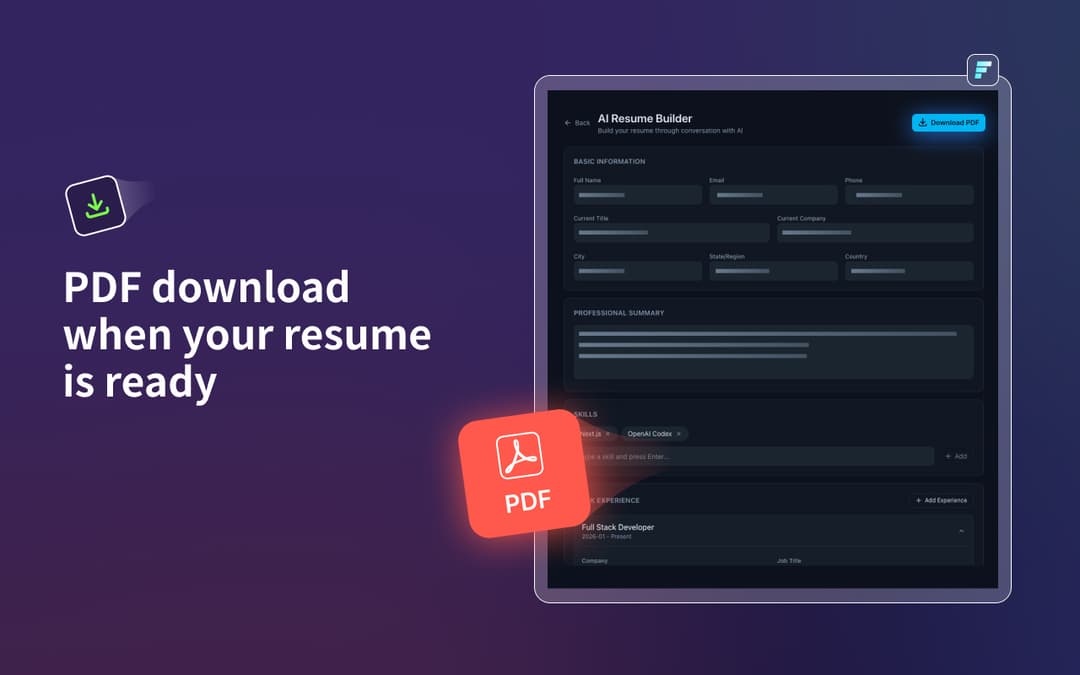
PDF export
Export a clean PDF resume when you're ready to submit.
Built for Applicants
A Structured Resume Draft from Your LinkedIn
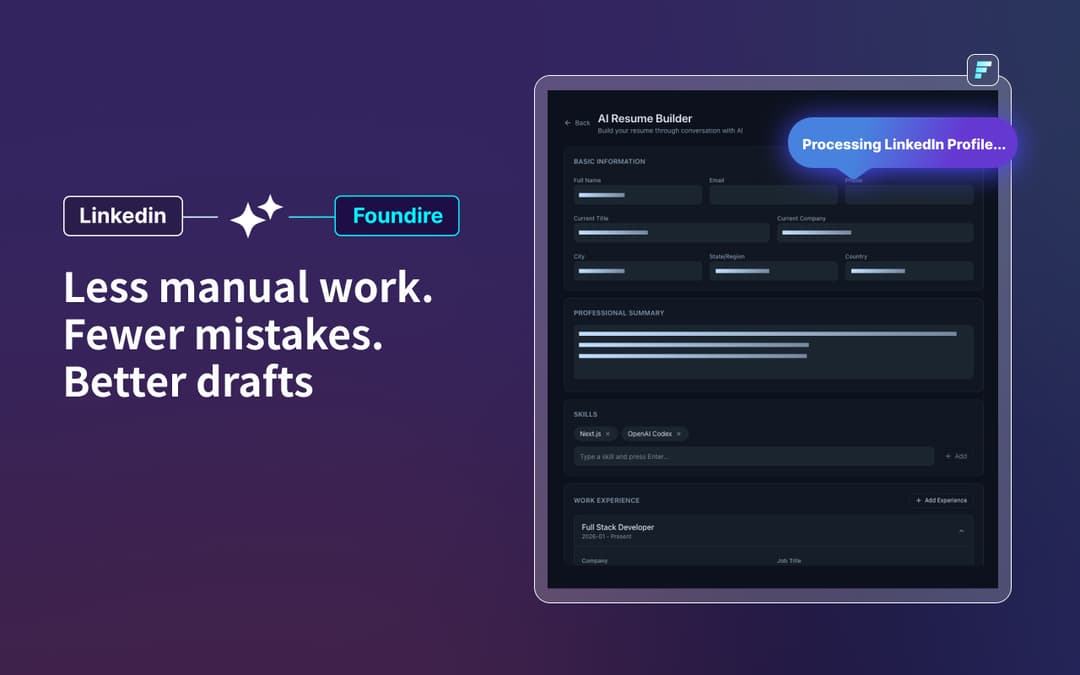
Import the core fields from your profile, refine with AI, and keep everything consistent.
Profile essentials
Import headline, location, and the basics in a structured format.
Experience and education
Bring your work history and education into a clean draft.
Skills and highlights
Capture skills and achievements you can turn into strong bullets.
Tailor and export
Use AI to tailor for a target role, then export as PDF.
How It Works
Install the extension
Add LinkedIn to Hired from the Chrome Web Store.
Open your LinkedIn profile
Go to your profile page and launch the extension.
Import, tailor, export
Import into Foundire, tailor with AI, then export a PDF resume.
Create a Resume from Your LinkedIn
Install it from the Chrome Web Store, tailor with AI, and export a PDF when you're ready.